Ecommerce Chatbot
Shoppers Leave When Answers Are Slow. Yours Won't.
Sizes, shipping, returns, stock — the questions that decide a sale get answered the second they're asked. And when a shopper hesitates, the bot captures their email before the cart is lost.
Shopify · WooCommerce · Wix · Squarespace · any store

 websitechatbot.io
carts are abandoned — most over unanswered doubts
the bot answers while you pack, sleep or sell
of code on any store platform — nothing to install

Save the sale
Hesitating shoppers become a list you can win back
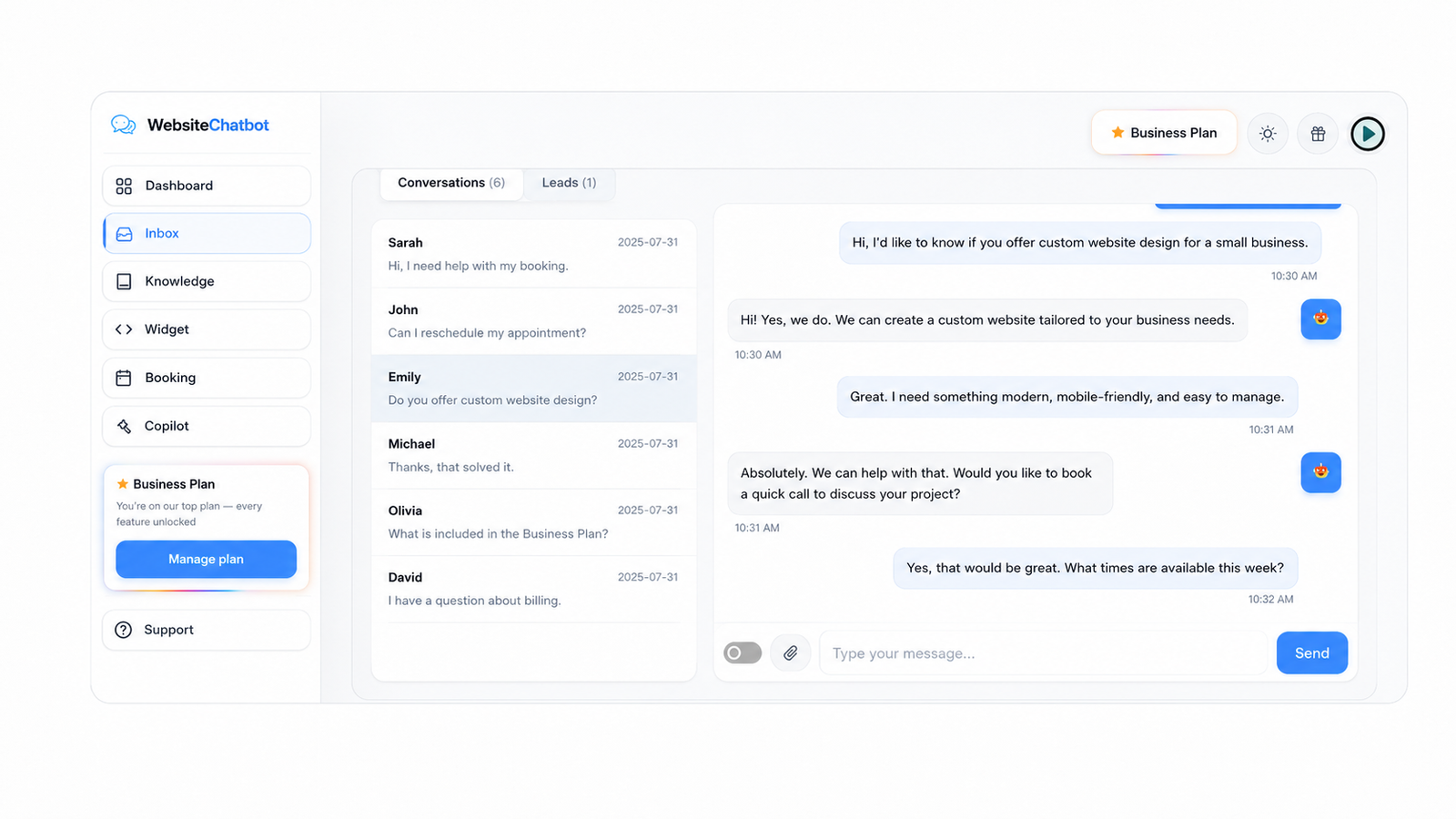
Before the shopper bounces, the bot asks for their email in a natural way — every lead lands in your Inbox with the full conversation.
It knows your products, sizes, materials and policies, so doubts get resolved in seconds instead of becoming abandoned carts.
Analytics show the exact questions your store gets — fix a confusing product page once and watch the question disappear.
Meet shoppers where they already are
Add WhatsApp and Instagram buttons to the widget so conversations continue on the channels your customers use every day.
5-minute setup
One line of code on any website
No plugin to install, nothing to configure on the server, nothing that slows your site down. Three steps and the bubble is live.
Create your chatbot
Sign up free, give the bot your website URL, and it learns your pages automatically — services, prices, FAQs, everything public.
Paste one line
Copy your embed code from the Widget tab. In Shopify: paste it in theme.liquid before </body>. In WooCommerce: drop it in your theme footer or a Custom HTML block.
Verify & go live
Refresh your site — the chat bubble is live. Use the built-in install checker in your dashboard to confirm it's detected and working.
<script src="https://websitechatbot.io/widget-v1.5.1.js" data-id="YOUR-WIDGET-ID"></script>
Your personal data-id is generated in the dashboard — this is the only line your site needs. The script loads async, so your page speed is untouched.
Every chat, lead and booking — in one dashboard
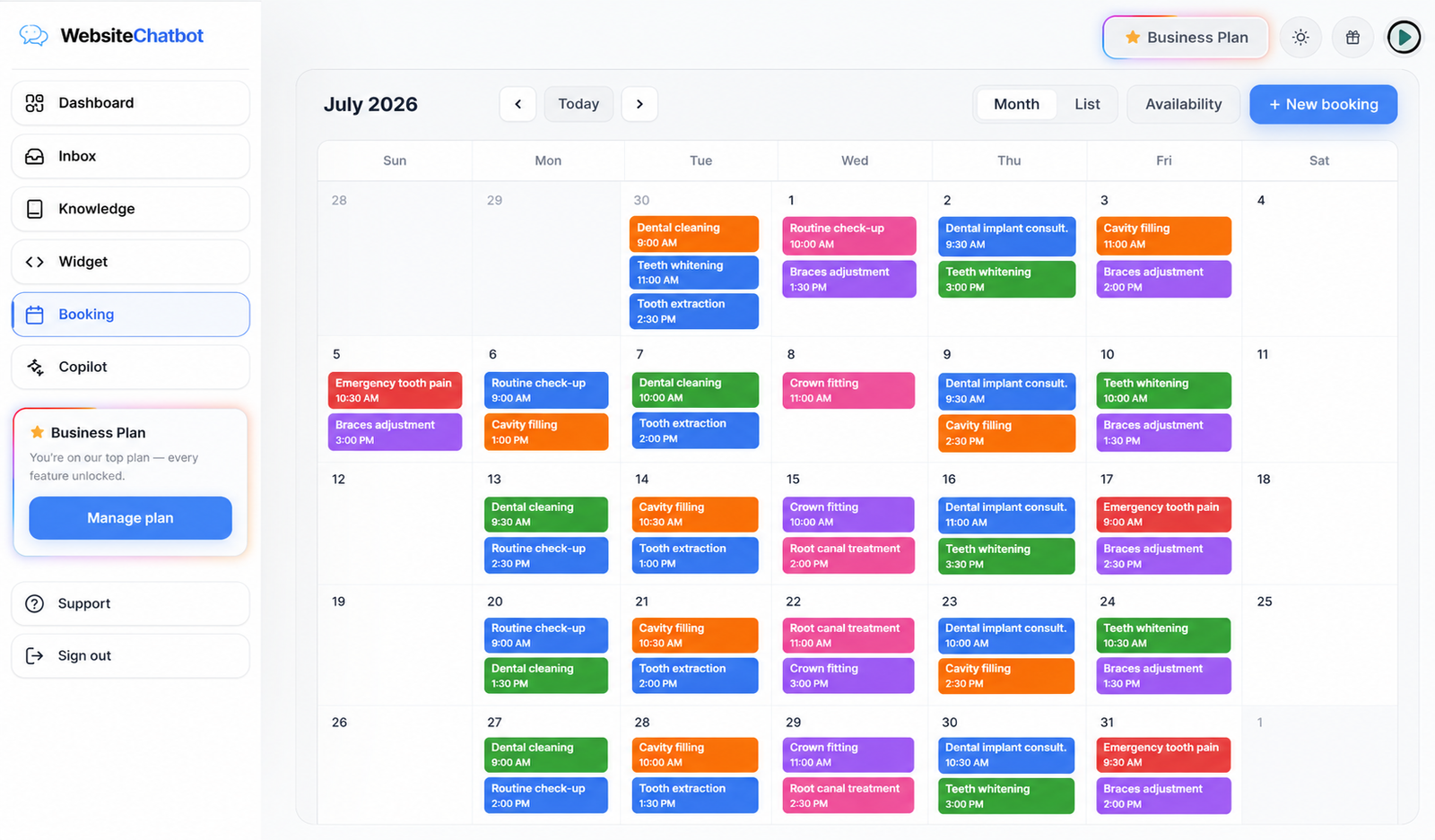
Reply to visitors live, watch leads arrive, and see the appointments your chatbot booked while you slept.
"Visitors used to leave without a trace. Now I get their name and email from the chat before they go — leads land straight in the inbox."
Sara M.Boutique owner