How to Add a Website Chatbot for WordPress: The Ultimate Guide
Adding a website chatbot for WordPress can transform how you interact with visitors. Imagine a tool that engages your visitors, answers their questions, and books appointments—all while you’re asleep. That’s the power of a chatbot. If you’re using WordPress, integrating a chatbot is easier than you think. Let me show you how.
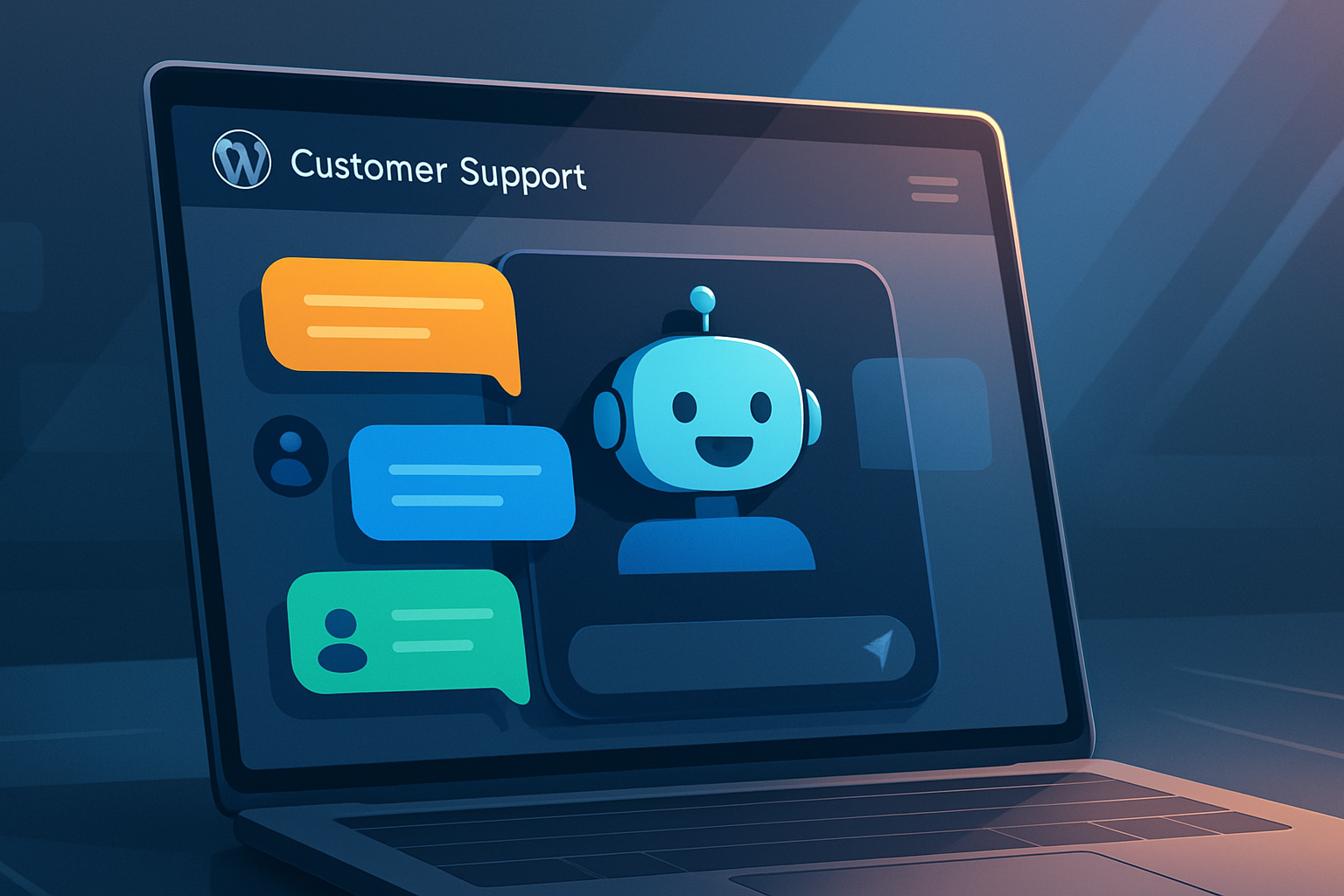
Why Your WordPress Site Needs a Chatbot
Instant Customer Support Around the Clock
A chatbot never sleeps. It’s available 24/7, offering instant responses to your visitors. Whether it’s a simple query or a detailed product question, a chatbot handles it all. This constant availability can significantly enhance customer satisfaction and keep your support costs down.
Capture Leads Even When You’re Offline
Websites often lose potential leads outside business hours. With a website chatbot for WordPress, that’s no longer an issue. It can gather visitor information, qualify leads, and even schedule meetings. You wake up to a fresh list of potential customers in your inbox every day.
Reduce Support Tickets and Save Time
Handling repetitive questions eats up your time. A chatbot can answer these FAQs, reducing the volume of support tickets. This frees you and your team to focus on more complex tasks, streamlining operations and boosting efficiency.
How to Choose the Right Chatbot for WordPress
Key Features to Look For: AI, Integrations, and Customization
Not all chatbots are created equal. Look for one offering AI capabilities, seamless integration with your CRM, and customization options. These features ensure that the chatbot meets your specific needs and can grow with your business.
Ease of Use: No-Code vs. Developer-Friendly Options
If you’re not tech-savvy, opt for a no-code solution. These are easy to install and customize without needing technical skills. If you have a developer on hand, you might prefer options that offer more advanced customization capabilities.
Pricing Models: Free Trials, Monthly Plans, and Scalability
Consider the cost. Many chatbots offer free trials, so you can test them before committing. Look for scalable solutions that accommodate your business as it grows, with pricing models that fit your budget.
Step-by-Step: Adding a Chatbot to Your WordPress Site
Using a Plugin vs. Embedding a Script
For WordPress, you have two main options: install a chatbot plugin or embed a script. Plugins are user-friendly and perfect for those less comfortable with code. If you prefer more control, embedding a script is a viable alternative.
Connecting Your Chatbot to Your Website Content
Ensure your chatbot can access and utilize your existing website content. This connection allows it to provide accurate answers and enhance the user experience. Most plugins offer straightforward integration options.
Customizing the Chatbot’s Look and Behavior
Appearance matters. Customize your chatbot to match your brand’s aesthetic. This consistency builds trust and makes your website appear more professional.
Best Practices for Automating Customer Support with Chatbots
Design Conversational Flows That Actually Help
Don’t just automate responses; create conversational flows that genuinely assist your customers. Anticipate common questions and guide users through logical steps to resolve their issues or reach their goals.
Set Clear Expectations for Human Handoff
Chatbots can’t handle everything. Make it clear when users will be transferred to a human agent. This transparency avoids frustration and maintains trust.
Use Chatbot Analytics to Improve Responses
Monitor chatbot interactions regularly. Use analytics to refine its responses and improve its performance over time. This data-driven approach ensures your chatbot remains an effective tool.
How a Chatbot Complements Your AI Website Builder
Integrating Chatbots into Website Templates
When using an AI website builder, integrating a chatbot into your website templates is straightforward. This synergy enhances your site’s functionality and user engagement.
Building a Lead-Generation Funnel with Chatbots
Chatbots are fantastic for lead generation. They can engage visitors, ask qualifying questions, and push potential leads into your sales funnel, all without manual intervention.
Why the Best Website Builder for Small Business Includes AI Tools
The best website builder for small business isn’t just about ease of use; it includes AI tools like chatbots. These tools automate processes, helping small businesses punch above their weight.
How to Make a Website That Converts: Chatbot Strategies
Greet Visitors with a Personalized Message
A personalized greeting makes visitors feel welcome and valued. Use your chatbot to initiate these interactions, setting a positive tone from the start.
Qualify Leads with Smart Questions
Your chatbot can ask targeted questions to qualify leads. This ensures that you focus your efforts on high-potential prospects, optimizing your sales process.
Book Meetings and Collect Contact Info Automatically
Let your chatbot handle scheduling and data collection. It can book meetings and gather contact information efficiently, streamlining your workflow and maximizing productivity.
Create a Website Free? Yes, and Add a Chatbot Too
Free Website Builders That Support Chatbot Integration
You can create a website free using platforms that support chatbot integration. This combination allows you to establish an online presence without breaking the bank.
Using Free Chatbot Trials to Test Performance
Try free chatbot trials to evaluate their impact on your website. This risk-free approach helps you assess performance and decide if a chatbot is right for your business.
When to Upgrade to Paid Features
Free options are great for starters, but consider upgrading when you need more features or higher interaction limits. This investment can pay off in increased efficiency and lead generation.
FAQs
How do I add a chatbot to my WordPress site?
You can add a chatbot to WordPress by installing a dedicated chatbot plugin or by embedding a JavaScript snippet provided by your chatbot service. Both methods are straightforward and don’t require coding skills. After installation, you can customize the chatbot’s appearance, set up automated responses, and connect it to your content or CRM.
What is the best website builder for small business that includes chatbot features?
The best website builder for small business depends on your needs, but look for one that offers AI-powered tools, such as a built-in chatbot, easy drag-and-drop editing, and responsive templates. Platforms like WordPress with a chatbot plugin, or AI website builders that include chatbot widgets, are excellent choices because they combine ease of use with powerful automation.
Can I create a website free and still use a chatbot?
Yes, many free website builders allow you to create a website at no cost, and you can integrate a free chatbot trial or a basic chatbot service. Keep in mind that free plans may have limitations on customization or the number of conversations, but they are a great way to test chatbot functionality before committing to a paid plan.
How does a website chatbot help with lead generation?
A website chatbot engages visitors in real time, asks qualifying questions, and collects contact information automatically. It can also recommend products or services based on user responses, and even book meetings directly into your calendar. This proactive approach captures leads that might otherwise leave your site without taking action.
Frequently Asked Questions
How do I add a chatbot to my WordPress site?
You can add a chatbot to WordPress by installing a dedicated chatbot plugin or by embedding a JavaScript snippet provided by your chatbot service. Both methods are straightforward and don’t require coding skills. After installation, you can customize the chatbot’s appearance, set up automated responses, and connect it to your content or CRM.
What is the best website builder for small business that includes chatbot features?
The best website builder for small business depends on your needs, but look for one that offers AI-powered tools, such as a built-in chatbot, easy drag-and-drop editing, and responsive templates. Platforms like WordPress with a chatbot plugin, or AI website builders that include chatbot widgets, are excellent choices because they combine ease of use with powerful automation.
Can I create a website free and still use a chatbot?
Yes, many free website builders allow you to create a website at no cost, and you can integrate a free chatbot trial or a basic chatbot service. Keep in mind that free plans may have limitations on customization or the number of conversations, but they are a great way to test chatbot functionality before committing to a paid plan.
How does a website chatbot help with lead generation?
A website chatbot engages visitors in real time, asks qualifying questions, and collects contact information automatically. It can also recommend products or services based on user responses, and even book meetings directly into your calendar. This proactive approach captures leads that might otherwise leave your site without taking action.
How to Choose the Right website chatbot for WordPress
Start with the questions your customers actually ask. Pull up your inbox from the last month and count how many messages are the same five or six questions. That list is what a website chatbot for WordPress needs to handle on day one.
Then check how it learns. Some tools want you to write every answer by hand, which turns into a second job. Others read your existing pages and build the answers themselves, and you only step in to correct them.
Watch for the handoff too. No bot gets everything right, so you want a clean way for a real person to take over mid-conversation instead of leaving the visitor stuck talking to software that keeps missing the point.
What a Good website chatbot for WordPress Actually Does for You
The obvious win is after-hours coverage. Someone lands on your pricing page at 11pm, asks whether you cover their area, gets an answer, and books. Without that, they close the tab and you never know they existed.
The less obvious win is what it captures. Every conversation tells you which questions your site failed to answer, and those gaps are usually the cheapest pages you will ever write.
Speed matters more than personality here. Visitors will forgive a plain reply. They will not wait forty seconds for a clever one.
Setup should take an afternoon, not a sprint. If you need a developer to get a website chatbot for WordPress live, the tool is solving its own problem rather than yours.
Before you commit, test it on your own site with your own questions. Ask it something awkward. Ask it something you would only know from reading your terms page. That five-minute test tells you more than any feature comparison.
Do not have a site yet to put your website chatbot for WordPress on? You can build one in a few minutes at Build Sites, then add your chatbot to it with a single line of code.